
Pipit: Fast, private,
voice-to-text for Mac.
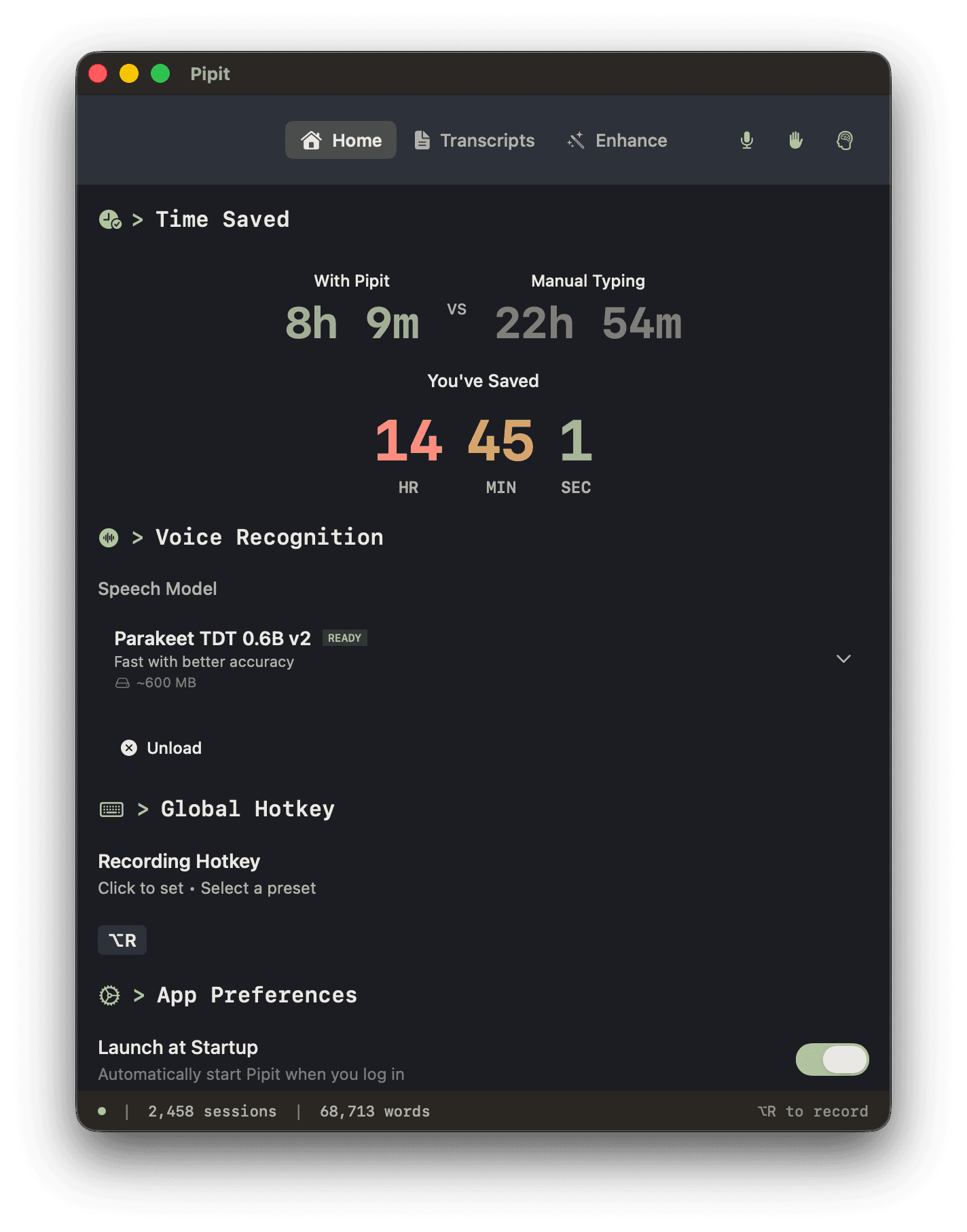
Hold a hotkey, speak naturally, and paste text into any app—without sending your audio to the cloud.
Native Swift app. Local transcription by default. Optional AI formatting with your own key.
macOS 15.0+ required
- On-device
- transcription by default
- macOS 15+
- native Swift app
- One hotkey
- speak, release, paste
- Your choice
- optional AI provider
Type With Your Voice
Runs silently in the background. One keypress is all it takes.
Press Option
Zero delay. The overlay appears the instant you press—no waiting.
Speak Naturally
Pipit transcribes your voice in real-time using local AI.
Paste Anywhere
Release the key to paste text directly into your active app.
What Sets Pipit Apart
Ultra-low latency from hotkey to text. Every interaction engineered to save you time.
Unified Timeline
Clipboard and transcriptions in one searchable history. Find that note you dictated last week or any copied text.
Actually Invisible
Hold hotkey, speak, release. Text appears at your cursor instantly. No windows, no app switching, no friction.
Bring Your Own Key
Use your own API key, custom endpoints, or run local models with Ollama.
AI That Formats For You
Raw transcription in, polished text out. Perfect for emails, messages, notes—whatever you're writing.
hey can you send me the report by end of day also i wanted to follow up on the meeting notes from yesterday and make sure we have everything ready for the presentation thanks
Hey,
Can you send me the report by end of day?
Also, I wanted to follow up on the meeting notes from yesterday and make sure we have everything ready for the presentation.
Thanks!
Quick Actions
40+ built-in actions. Zero latency. Zero typing.
Opens Google search for 'weather'
Sends query directly to Claude.ai
Launches Zoom instantly
Opens System Settings → WiFi
+ many more for Spotify, Notion, Slack, and System Controls
More Features
Adaptive Dictionary
Pipit learns how you speak. Names, jargon, technical terms—it remembers and corrects them automatically.
File Transcription
Drop any audio or video file. Get a full transcript in seconds—processed entirely on your Mac.