Pipit: Dictation that
writes like you do.
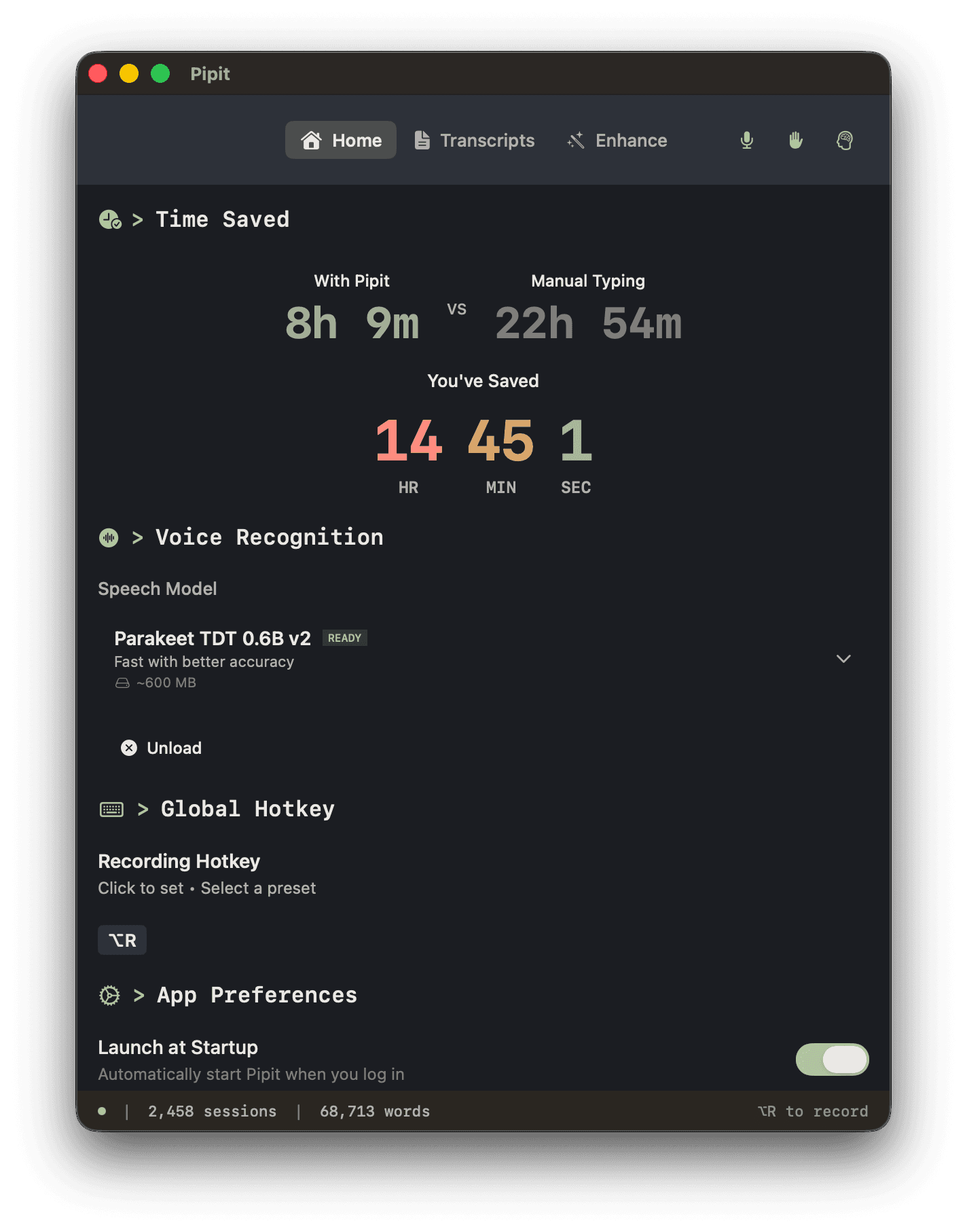
Hold a key and talk. Let go, and clean, punctuated text lands in the app you're in, names spelled your way. Entirely on your Mac.
Free. Native Swift. Optional AI cleanup with your ChatGPT plan or your own key.
macOS 15.0+ required
For example, you say “hey um are we still on for lunch friday”, and Pipit types “Hey, are we still on for lunch Friday?”
- Free
- no subscription, no cap
- On-device
- audio never leaves your Mac
- One key
- hold, speak, let go
- v1.5
- see what’s new →
Type With Your Voice
Runs in the background. One key.
Hold fn
The overlay appears the instant you press.
Speak Naturally
The Pipit Engine turns your words into clean text, right on your Mac.
Paste Anywhere
Let go, and the text lands in whatever app you're in.
Powered by the Pipit Engine
Every word goes through Pipit's own processing, built for one job: text you don't have to fix.
um so meet tuesday no wednesday at three with katelyn and uh send the deck
Meet Wednesday at 3 with Caitlyn and send the deck.
Caitlyn is in your dictionary.
Clean, finished sentences
Punctuated, capitalized, fillers gone, numbers as digits. Change your mind mid-sentence and Pipit keeps what you meant.
Names spelled right
Fix a name once, or add it to your dictionary, and it’s spelled your way from then on. With name recognition on, the engine listens for your names as it decodes.
Formatted for the app you’re in
Formal in email, relaxed in messages, matched to the text around your cursor. Adjustable per app.
Private and instant
Every step runs on your Mac the moment you let go. Audio never leaves it. Works offline.
Built on NVIDIA's Parakeet speech recognition, with Pipit's own processing for punctuation, formatting, names, and vocabulary.
AI Cleanup, When You Want It
Optional. Sign in with ChatGPT or add a provider for grammar, paragraph breaks, and mis-hearings caught from context.
hey can you send me the report by end of day also i wanted to follow up on the meeting notes from yesterday and make sure we have everything ready for the presentation thanks
Hey,
Can you send me the report by end of day?
Also, I wanted to follow up on the meeting notes from yesterday and make sure we have everything ready for the presentation.
Thanks!
Quick Actions
Say it and it happens. 40+ built in.
Opens Google search for 'weather'
Sends query directly to Claude.ai
Launches Zoom instantly
Opens System Settings → WiFi
Also Spotify, Notion, Slack, and system settings.
More Features
Draft
Say what you want and Pipit writes it, using what's on your screen so the reply fits. Select text first to have it rewritten.
Your Own Voice Commands
Pick a phrase that opens a link, with your words along: a Claude project, Todoist, a search. See how
Adaptive Dictionary
Names, jargon, shorthand. Correct it once and Pipit remembers.
File Transcription
Drop in audio or video, get a transcript. Processed on your Mac.